

- Declarative dlt sources - configure dlt directly in your source YAML, no Python code. SQLBuild runs the dlt pipeline as part of the build lifecycle. Best for the common REST API, SQL database, and filesystem cases.
- dlt inside a Python loader - wrap any
dlt.pipeline(...)in a SQLBuild source loader for full control when you need dlt features beyond the declarative surface.
Install
duckdb, filesystem, and sql_database extras alongside SQLBuild.
Declarative dlt sources (YAML)
Declare adlt_sources list in a sources/*.yml file. Each entry has a type, a config block passed to the dlt source, and a list of resources that become SQLBuild managed sources. SQLBuild generates a synthetic loader per resource and writes into the database its adapter manages, no Python and no destination setup required.
Supported source types: rest_api, sql_database, filesystem.
REST API
rest_api requires client.base_url in config. Each resource needs an endpoint mapping; the dlt resource name comes from endpoint.name if present, otherwise the resource name.
SQL database
sql_database requires credentials in config, and each resource requires a table.
Filesystem
filesystem requires bucket_url in config.
Resource options
Use SQLBuild’s
write_disposition (dlt’s term), not write_strategy. delete_insert is not available declaratively; use a Python loader for that. Config values support SQLBuild’s interpolation: ${name} for a project variable, ${ENV:NAME} for an environment variable, and ${CTX:...} for context, resolved at load time, so credentials stay out of the YAML.
Destination
By default each resource loads into the database SQLBuild’s adapter manages, with the dataset/schema derived from your target. An optionaldestination mapping passes extra settings to the dlt destination, but it cannot set credentials, dataset_name, or default_schema_name (SQLBuild manages those):
Reference in models
Declared resources are managed sources, reference them like any other source:dlt inside a Python loader
When you need dlt capabilities beyond the declarative surface (custom transforms,delete_insert, sources not covered above), wrap a dlt pipeline in a source loader. The loader calls dlt.pipeline(...).run(...) and returns None; dlt handles the writes and SQLBuild treats the source as loaded.
managed: true in sources/*.yml:
DuckDB connection sharing
With the DuckDB adapter, passctx.connection to dlt’s DuckDB destination to reuse SQLBuild’s open connection, so dlt writes into the same database without a separate connection string:
Warehouse destinations
For Snowflake, BigQuery, or Databricks, configure dlt with its own credentials. dlt writes directly to the warehouse, and SQLBuild reads the resulting tables as sources:secrets.toml or environment variables, as in the dlt documentation.
Build integration
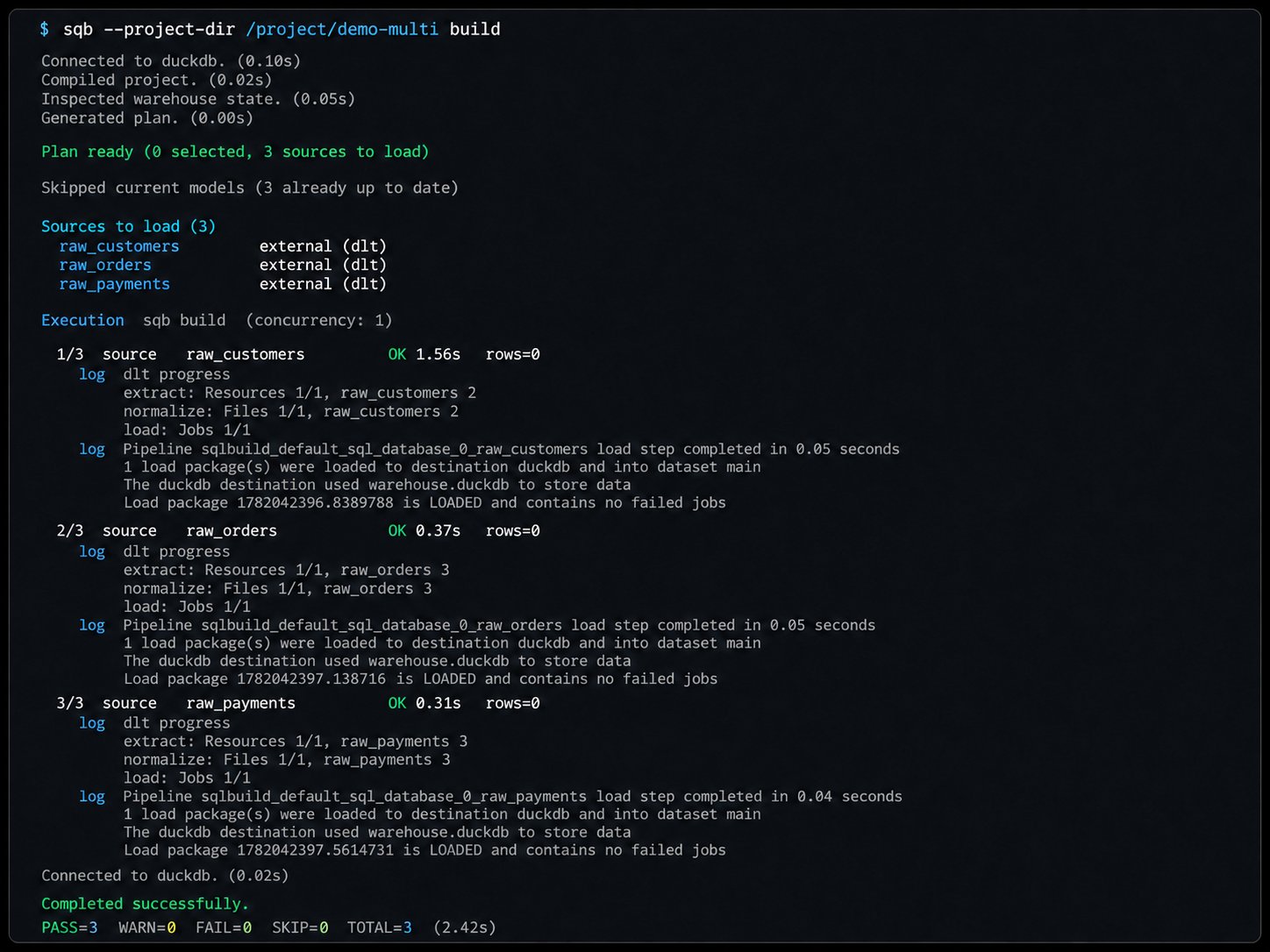
Whether declarative or Python, loaders run automatically duringsqb build (when auto_load_sources is enabled), so dlt pipelines execute as part of the normal build lifecycle: